Dictate during the visit
Measurements, materials, client remarks: talk as you walk. Automatic pause during silences, a bookmark for each room, and recording continues with the screen off.
Transcriphone records the visit at your client's, writes the text for you, translates it into the language of your choice and emails it with your photos. Even offline, with no ads.
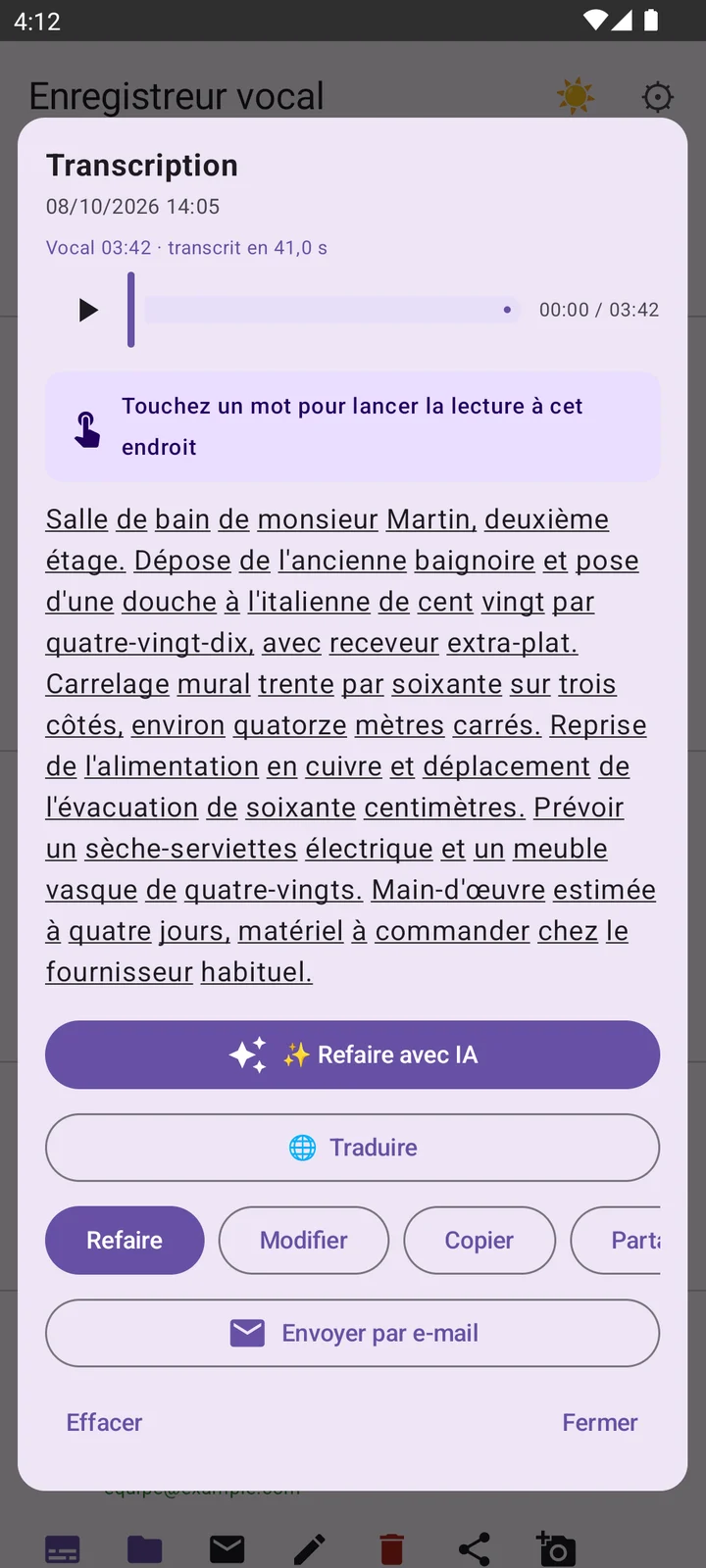
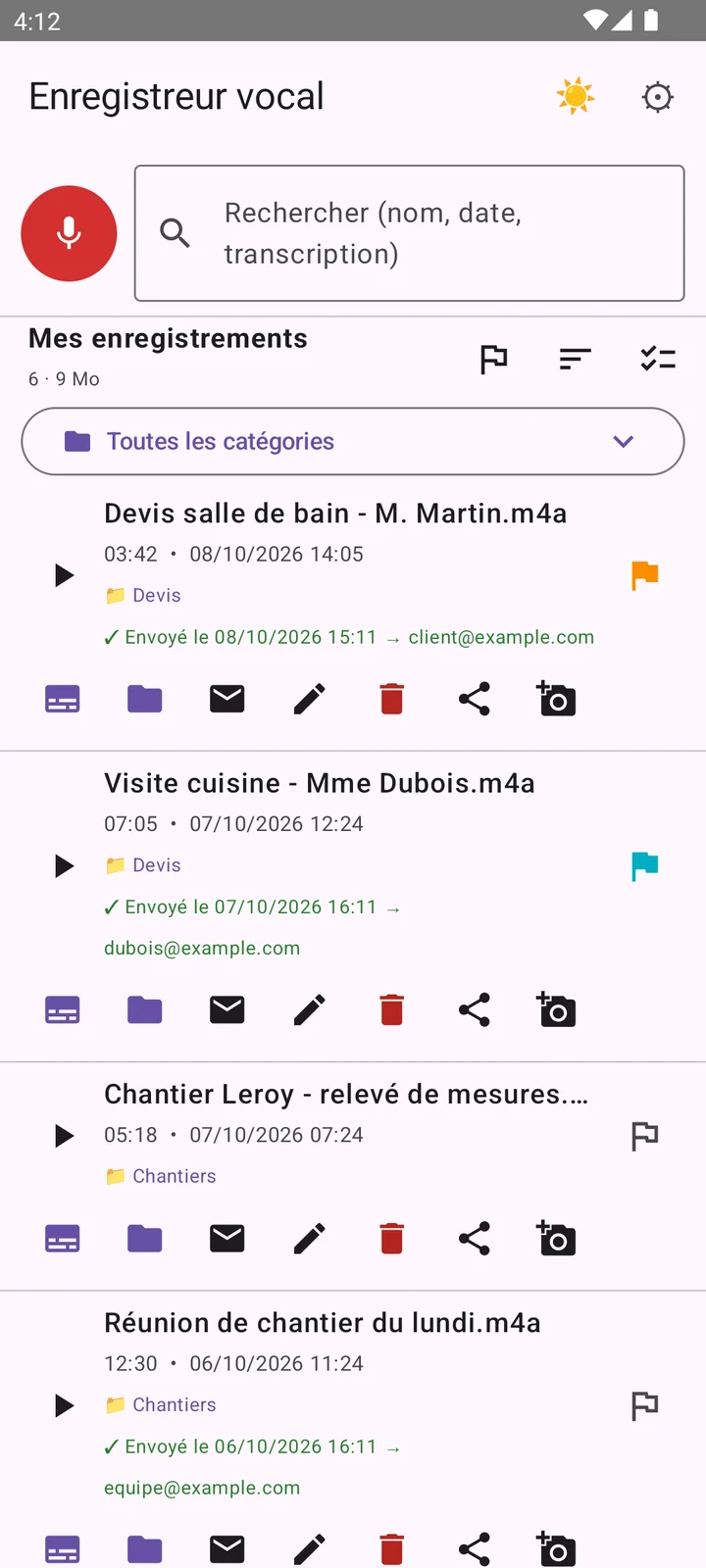
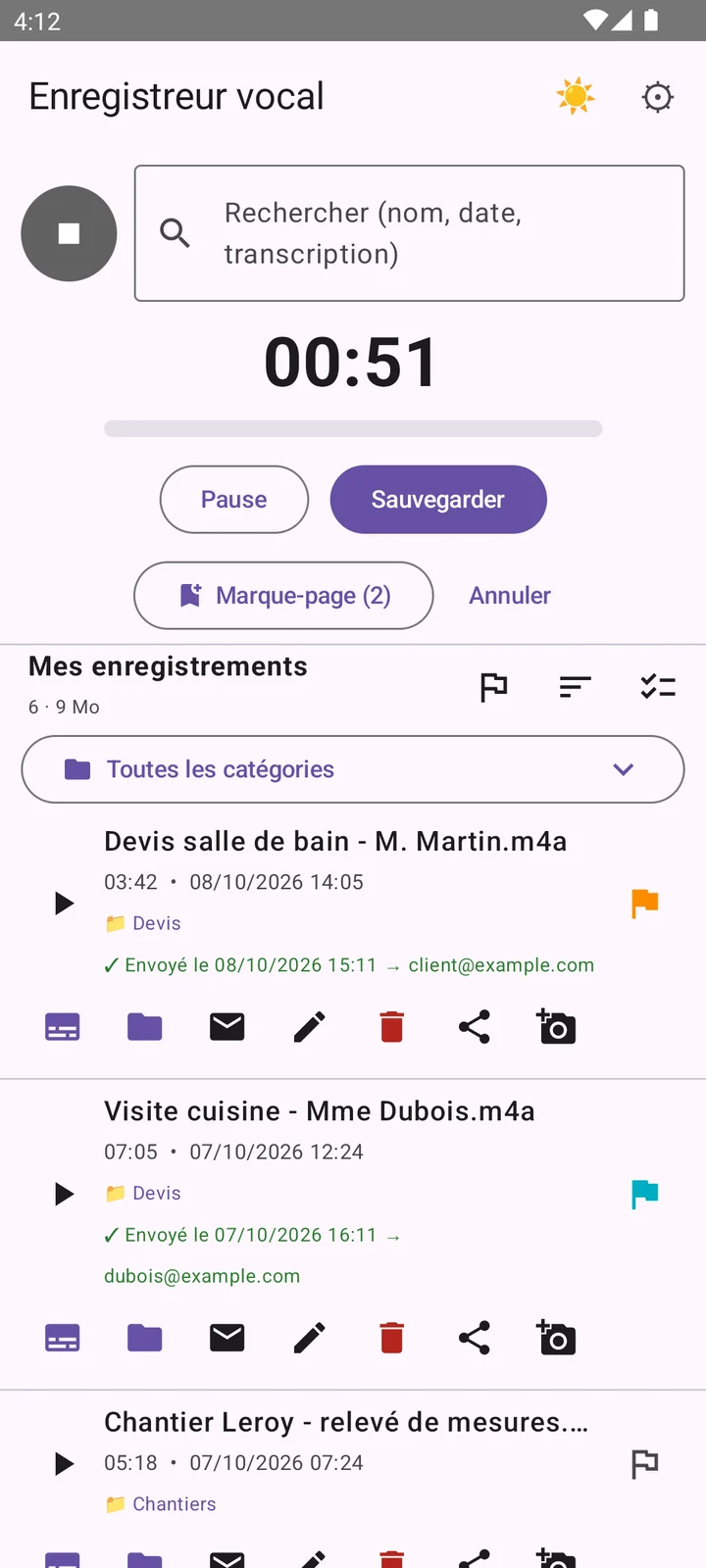
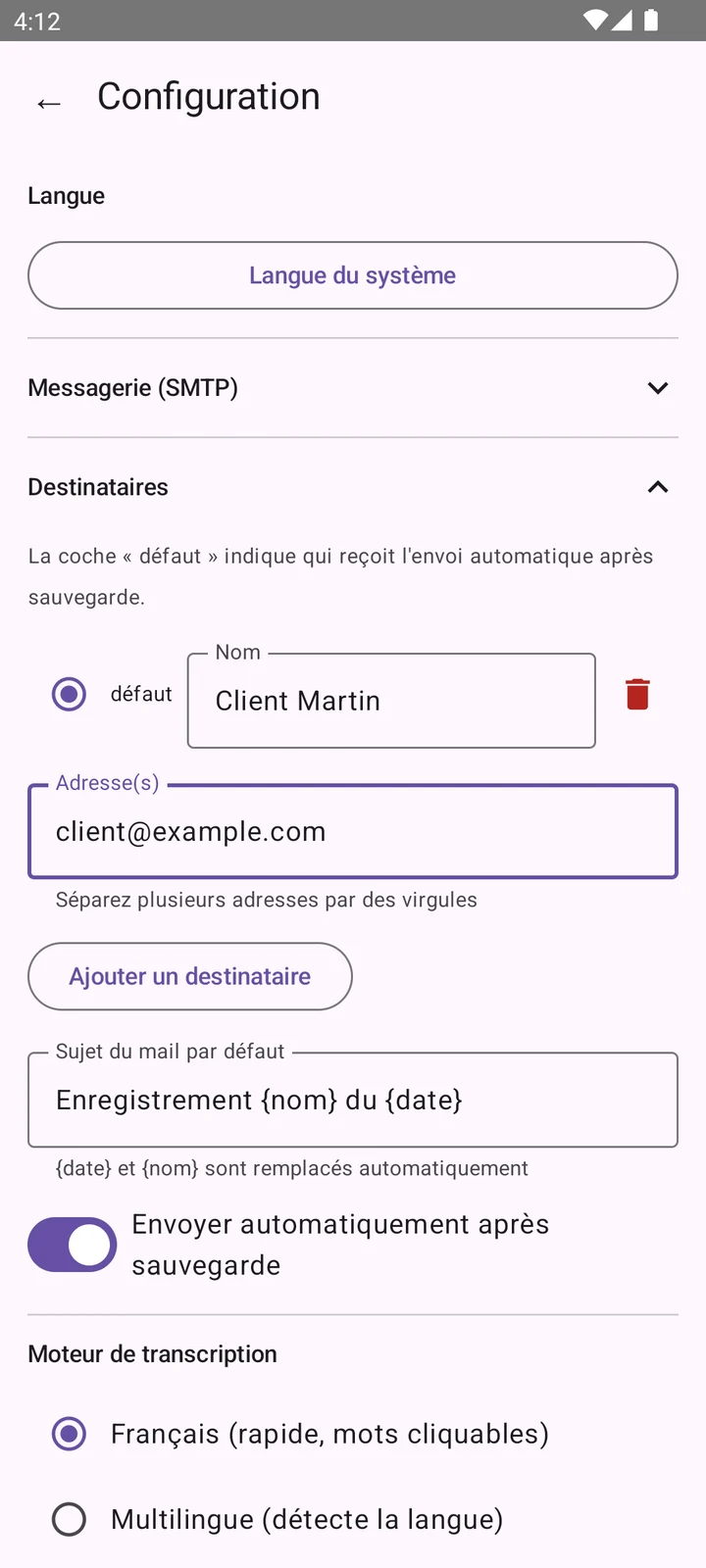
Real screenshots of the app, with fictional examples.
Made for people who work in the field
No more scribbled notebooks and measurements left in the van: you talk, everything is written, translated if needed, and sent.
Measurements, materials, client remarks: talk as you walk. Automatic pause during silences, a bookmark for each room, and recording continues with the screen off.
Transcription starts as soon as the recording ends. Review it, fix a word, then copy it into your quote.
To the client, the office or the accountant: audio, transcript and photos go together, with optional automatic sending.
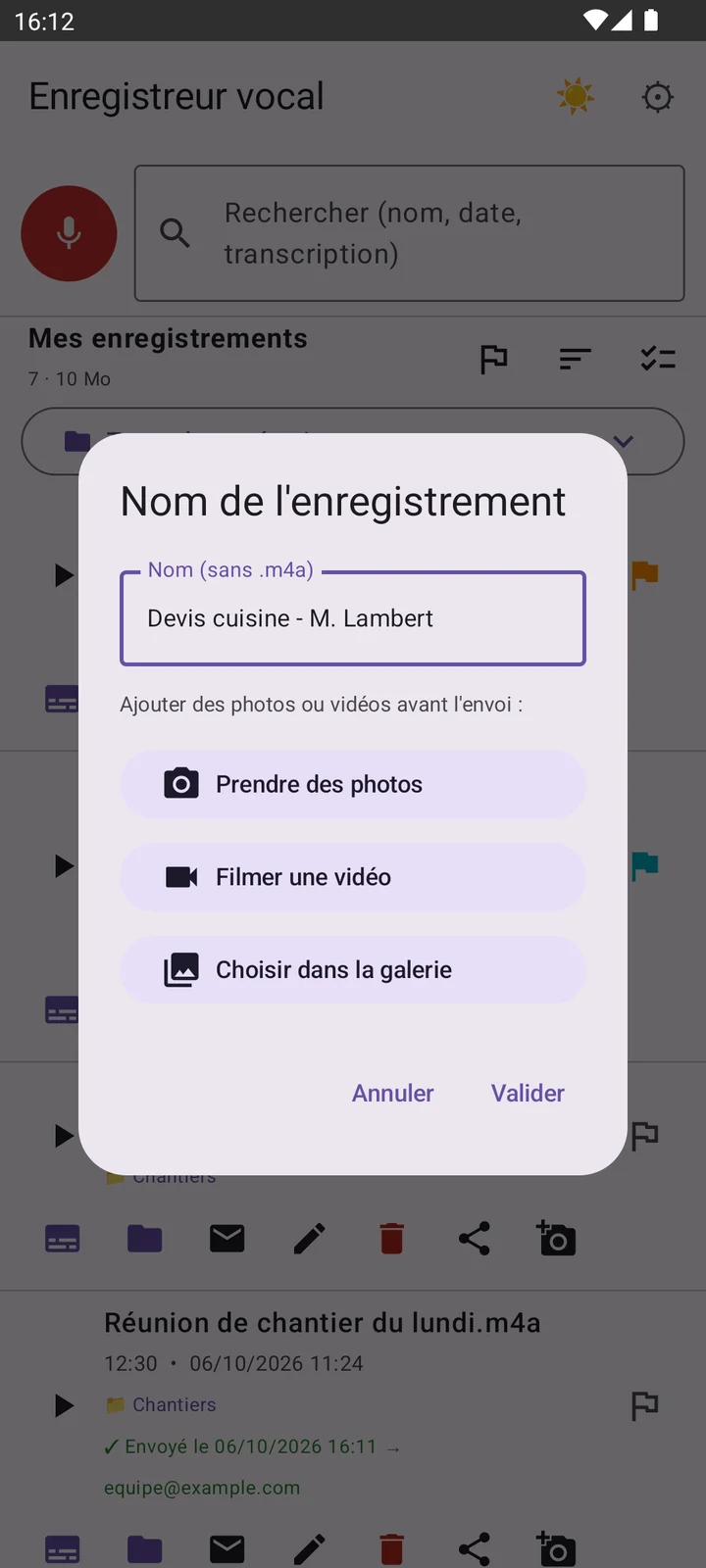
As soon as the recording ends, take photos, shoot a video or pick from the gallery: everything goes with the recording.
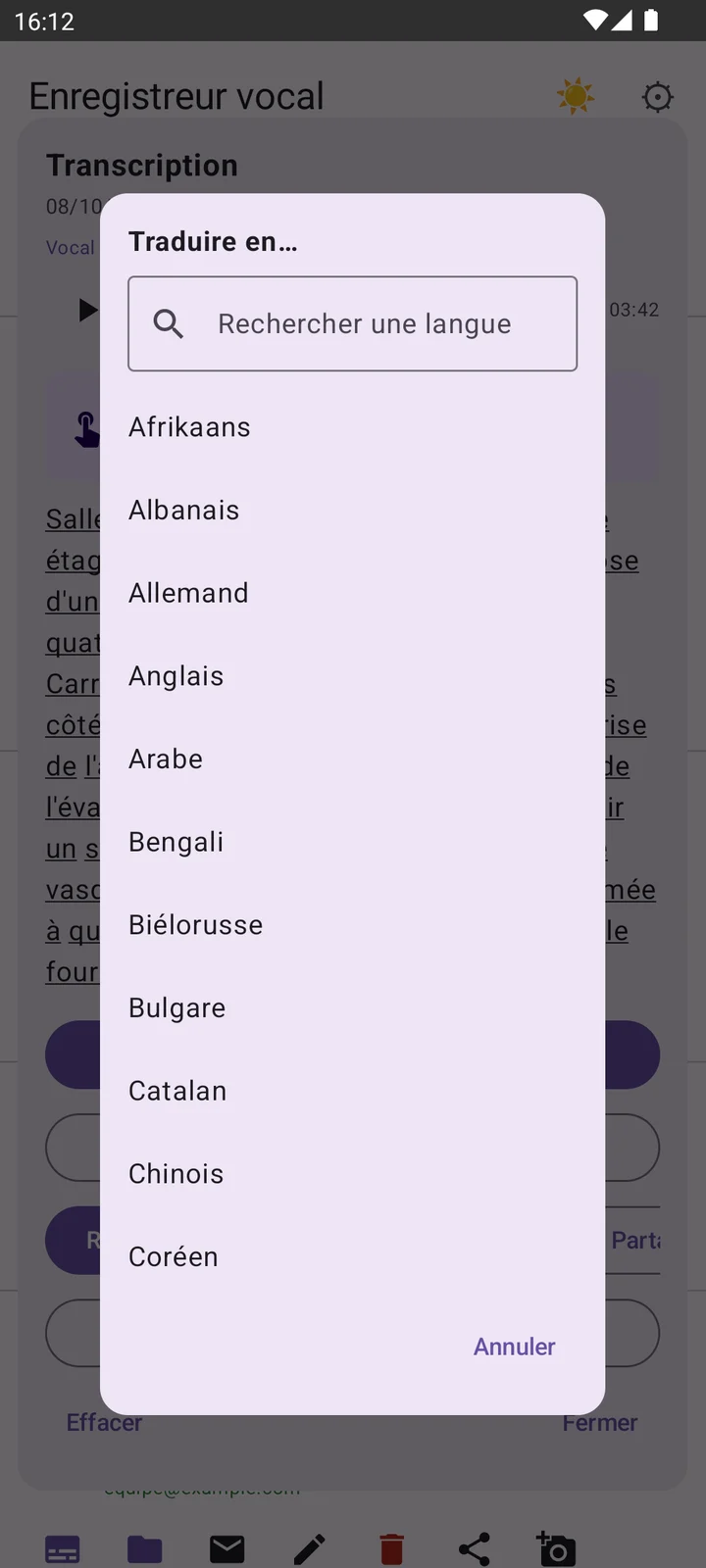
A foreign client, supplier or job site? Translate the transcript into about sixty languages, right on the phone.
Categories by client or job, colour-coded favourites, and a search that also looks inside the transcripts.
Transcriphone builds on what your phone already does: quick settings, notifications, the share menu, the lock screen.
Add the Transcriphone tile to your quick settings: swipe down from the top of the screen, tap, and recording starts.
Recording runs in the background, with a notification to pause or stop it. After an interruption, the app offers to recover what was captured.
Android's share menu sends the audio, the text or both to your messaging app, your email or your cloud storage.
Processor too slow to transcribe quickly? AI transcription takes over. On Xiaomi, Redmi and POCO, the app walks you through lifting battery restrictions.
Tested on Doogee, Xiaomi, Redmi, POCO and Samsung.
Light or dark theme, 19 interface languages with your phone's language by default, and playback from the lock screen.
Once the recording is finished, and before it is finalised, the app lets you attach what you see: the visual record completes the voice.
Start recording (even from the quick-settings tile), talk, and drop a bookmark in each room.
Take photos or film at the end of the recording: everything is filed with it, no digging through the gallery.
The transcript is ready. Review it, fix it, tap a word to replay the exact passage, translate if needed.
Send everything to the client or the office by email. Your quote only needs to be written.
A quote for a foreign client, a supplier across Europe, a crew who speaks another language? Transcriphone translates your transcripts into about sixty languages, right on your phone.
This website, like the app (19 interface languages), automatically shows in your browser's language.
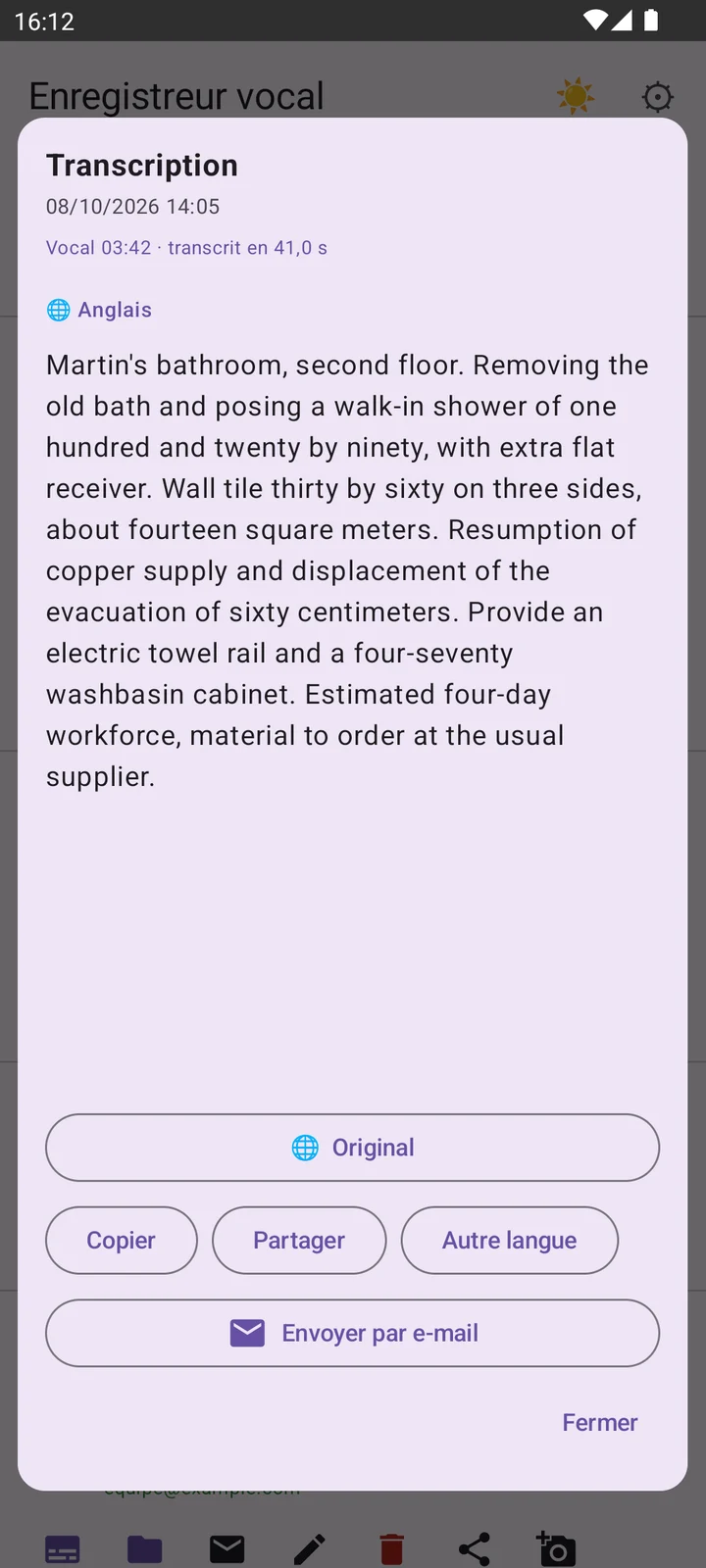
Machine translation: proofread before any important use.
One button to record, the rest follows: transcription, translation, photos, sending.
One button, and the rest follows.
Find an exact passage without replaying everything.
Voice becomes text, on the phone.
Find a recording in seconds.
The visual record completes the voice.
Two ways to send, depending on what you prefer.
What protects the app and what it contains.
To any other app.
The app adapts to you, not the other way round.
Built to live with very different phones.
The app will be offered on Google Play as a free version to discover it, and a full version that unlocks everything.
To discover the app
€0
All features unlocked
Price coming soon · shown on Google Play
| Feature | Free | Full |
|---|---|---|
| Recordings | 1 | Unlimited |
| AI transcription | 1 minute | 30 minutes included |
| Extra AI time (transcription, translation) | — | Packs of 5 h, 10 h… |
| On-phone transcription and translation | — | Included |
| Photos and videos before confirming | — | Included |
| Sending by email | 1 recipient | Several recipients |
| Recipient groups, your own SMTP server | — | Included |
| Search, categories, favourites, bookmarks, PIN code | — | Included |
Prices, including those of the packs, will be announced before launch and shown on Google Play. The exact content of the plans may change until then.
A visit to someone's home is personal: the app is built so that nothing leaves unless you decide so.
Transcription and translation happen on the device. Your voice leaves it only if you choose to send it: by email, by sharing, or with AI transcription.
A PIN protects the app, with fingerprint or face unlock if your phone supports it.
No advertising in the app. This website uses no cookies, no analytics and no external resources. Read the privacy policy.
It will be offered on Google Play. It is currently being tested: leave us your email address below to be the first to know.
It is meant to let you discover the app: 1 recording, 1 minute of AI transcription and email sending to 1 recipient. All other features are reserved for the full version.
All features: unlimited recordings, on-phone transcription, translation, photos and videos, several recipients, your own mail server… and 30 minutes of AI transcription included. The price will be shown on Google Play at launch.
On-phone transcription does not use these minutes. To keep using AI, time packs will be offered in blocks (5 h, 10 h…).
Yes, and it is one of the app's strengths: as soon as the recording ends, before you confirm it, you can take photos, film or pick from the gallery. Everything is attached to the recording and goes with it by email.
After transcription, tap “Translate” and choose the language from about sixty. Translation happens on the phone: each language is downloaded once, then works offline. It is machine translation: proofread before any important use.
Yes. Recording and French transcription work without a connection: the engine is built into the app. Sending an email of course needs a connection, but you can send later from a covered area.
No, unless you decide so: by email, by sharing, or with AI transcription, which sends the recording to a transcription service through our server, without keeping it. Otherwise they stay on your phone. Details are in the privacy policy.
Android 9 to Android 15. It has been tested on several brands (Doogee, Xiaomi, Redmi, POCO, Samsung). On Xiaomi, Redmi and POCO, the app guides you to let it run without battery restrictions.
No. With the default server, sending works without any setup and without any email password stored on the phone. You can also use your own SMTP server.
Write to us to be notified at launch on Google Play, or to try Transcriphone early.
Notify me by email